
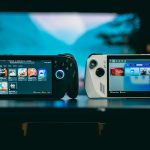



Mobile cloud gaming has moved from a niche experiment to a real way to play PC and console games on phones, tablets, handhelds, and smart displays. But the services do not all work the same way. Some stream games from remote data centers. Others stream games from your own PC. Some include a library. Others expect you to own the game already.
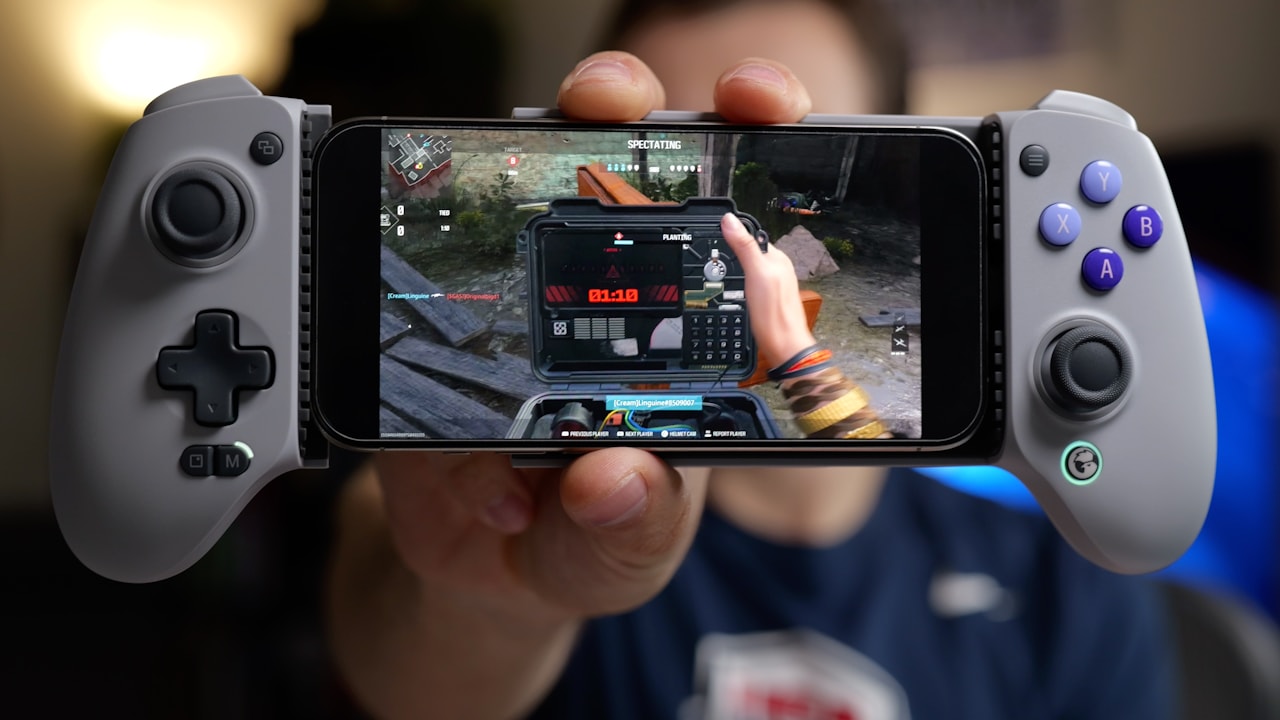
That difference matters more than marketing terms. If you pick the wrong service for your setup, you may pay for a subscription you do not need, struggle with latency, or discover that the games you want are not supported.
This guide compares three common 2026 options: Xbox Cloud Gaming, NVIDIA GeForce NOW, and Steam Link. It also explains a major Xbox cloud change announced for November 2026.
Quick comparison
The simplest way to understand the three services is this:
- Xbox Cloud Gaming: Microsoft runs the game remotely. You stream supported titles to your device.
- GeForce NOW: NVIDIA runs supported PC games remotely, often using games you already own on supported storefronts.
- Steam Link: Your own gaming PC runs the game and streams it to your phone, tablet, TV, or another supported device.
If you do not own a gaming PC, Steam Link is not a replacement for the other two. If you already own a strong PC and mostly play at home, Steam Link can be the cheapest and most flexible option.
What changed for Xbox Cloud Gaming in 2026?
Microsoft announced a significant change on September 3, 2026. According to Xbox Wire, starting in November, Game Pass plans will include a set number of cloud gaming hours per month:
- Game Pass Ultimate: 15 cloud hours per month.
- Game Pass Premium: 10 cloud hours per month.
- Game Pass Essential: 5 cloud hours per month.
Microsoft also says players will be able to buy additional cloud playtime after using their included hours. The company plans to let users purchase cloud gaming time without a Game Pass subscription for eligible games they own on supported devices.
This changes how mobile players should think about Xbox Cloud Gaming. It is no longer enough to compare the monthly subscription price. You also need to consider how many hours you actually stream.
Who is most affected?
A player who uses cloud gaming for a few short sessions each month may barely notice the limits. Someone who uses cloud gaming as their main way to play could hit the cap quickly.
For example, if you play one hour per evening, 15 hours lasts roughly half a month. If you use cloud gaming only during travel or lunch breaks, the same allowance may be enough.
Xbox Cloud Gaming: strengths and weaknesses
Xbox Cloud Gaming is attractive because it can remove the need for a powerful gaming PC or current console for supported cloud titles. You open a supported device, connect a controller where needed, and stream the game.
Strengths
- Easy access across supported phones, tablets, browsers, TVs, consoles, and handhelds.
- Game Pass can provide access to a large rotating catalog.
- Useful for trying games before downloading them.
- Can let older Xbox hardware access some newer games through the cloud.
- Low local storage use because the full game is not installed.
Weaknesses
- Performance depends heavily on internet quality and server distance.
- Monthly cloud-hour limits begin in November 2026 for Game Pass plans.
- The available catalog can change.
- Image quality can fall during network congestion.
- Fast competitive games expose latency more clearly than slower games.
Best use case
Xbox Cloud Gaming makes the most sense for casual or flexible players who want access on many devices and do not want to maintain a high-end gaming PC. It is also useful as a secondary way to play when you are away from your console.
GeForce NOW: strengths and weaknesses
GeForce NOW takes a different approach. Instead of focusing mainly on a subscription catalog, it connects to supported PC games from compatible storefronts. You still need to own or have access to many of the games you want to play.
The main attraction is remote PC performance. A phone, basic laptop, Chromebook, or other supported device can stream a game running on NVIDIA’s cloud hardware.
Strengths
- Good fit for players with an existing PC game library.
- Can provide higher-end rendering than the local device can handle.
- Useful on lightweight laptops and mobile devices.
- Supports mouse and keyboard in appropriate setups as well as controllers.
- You can keep buying games from normal PC storefronts rather than building a separate cloud-only library.
Weaknesses
- Not every PC game is supported.
- You may need to sign into game stores inside the session.
- Higher service tiers cost more.
- Network conditions still determine latency and stream quality.
- Mods and custom launch behavior may not work like they do on your own PC.
Best use case
GeForce NOW is strongest for someone who already buys games on PC but does not always have access to a powerful gaming machine. It can also be a better fit than Xbox if your favorite games are outside Game Pass but supported by GeForce NOW.
Steam Link: strengths and weaknesses
Steam Link is fundamentally different because Valve does not run the game for you. Your PC does. The Steam Link app connects to your gaming PC and streams the output to another device.
That means your PC must be turned on, connected, and capable of running the game. In return, there is no separate cloud machine running cost for normal local use.
Strengths
- No separate cloud gaming subscription is required for the basic streaming feature.
- Uses your existing PC and Steam library.
- Excellent for playing from another room in the same home.
- Can work over remote connections when configured properly.
- More control over game files, mods, settings, and peripherals because the game runs on your own PC.
Weaknesses
- You must own and maintain a capable gaming PC.
- Your PC needs to stay powered on and connected.
- Remote streaming quality depends on both your home upload connection and your mobile connection.
- Setup can be more technical than a pure cloud service.
- Your electricity use remains local because the PC is doing the work.
Best use case
Steam Link is ideal for players who already have a good gaming PC and want to play from a bed, couch, balcony, another room, or while traveling without buying the same game again.
Which service has the lowest latency?
There is no universal winner because latency depends on distance, routing, Wi-Fi quality, device decoding, controller connection, and the game itself.
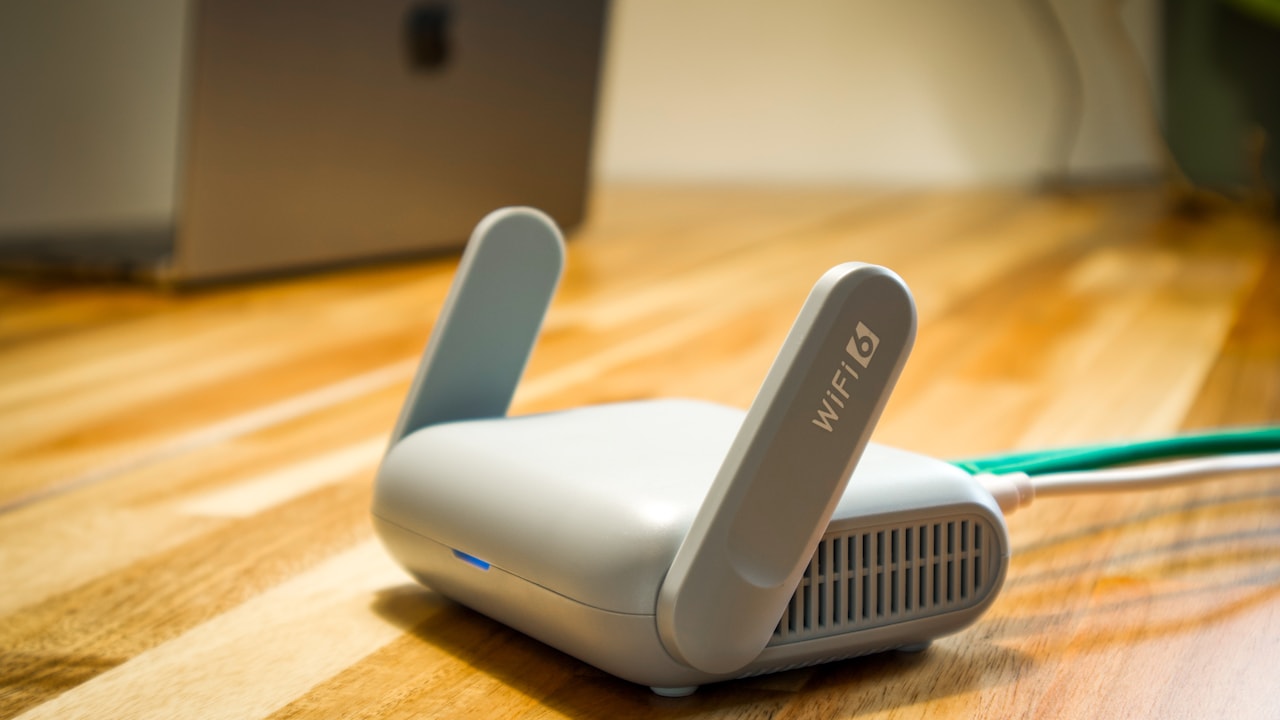
For local home streaming, Steam Link often has an advantage because the data may stay inside your home network. If your gaming PC and router use wired Ethernet and your phone is on strong Wi-Fi, the path can be very short.
For remote cloud services, you depend on how close you are to the provider’s data center and how efficiently your internet provider routes traffic.
How to reduce latency
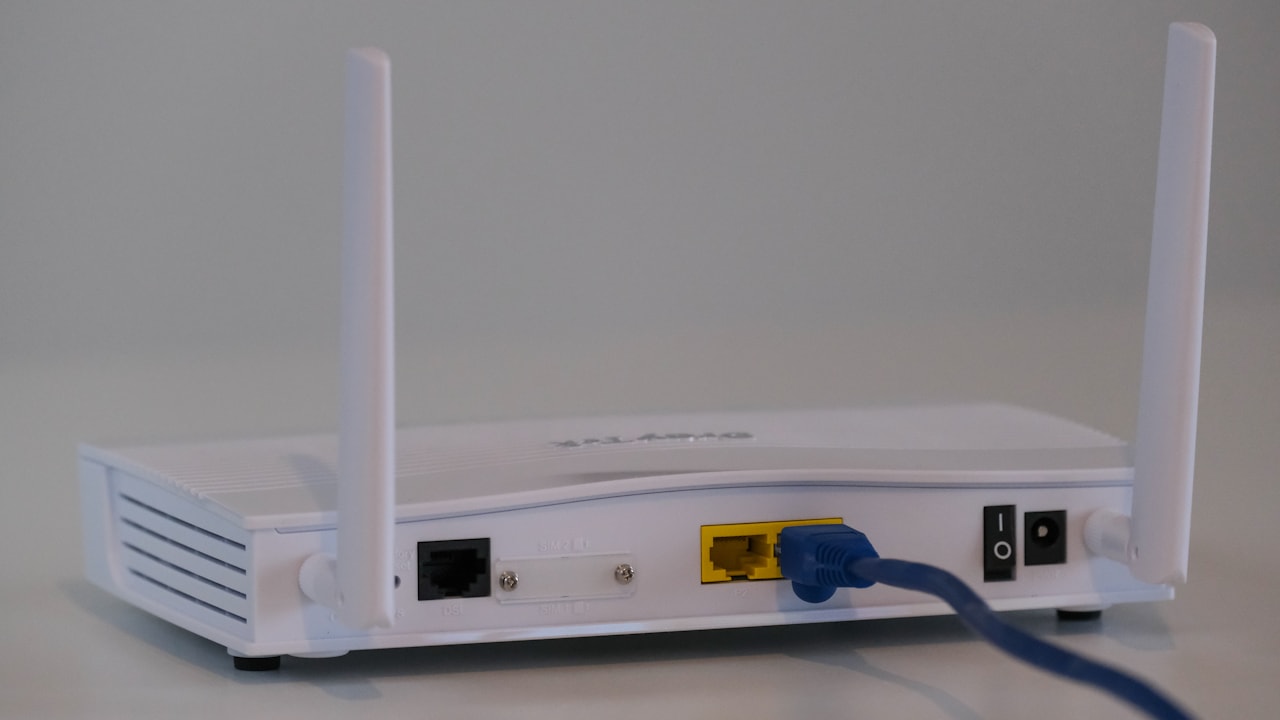
- Use 5GHz or 6GHz Wi-Fi when supported and stay near the router.
- Connect the host PC or console by Ethernet when using local streaming.
- Avoid large downloads or backups during play.
- Use a controller with a reliable Bluetooth or wired connection.
- Choose a lower stream resolution if your connection is unstable.
- Test at the time of day you normally play, not only during quiet hours.
How much internet speed do you need?
Raw speed is only one part of the answer. A connection can be fast but unstable. Cloud gaming needs consistent bandwidth, low packet loss, and reasonable latency.
A 100 Mbps connection with poor Wi-Fi can feel worse than a 40 Mbps connection with clean routing and strong signal. Before upgrading your internet plan, test your local network.
What to check besides download speed
- Ping to nearby servers.
- Packet loss.
- Wi-Fi signal strength.
- Router congestion.
- Upload speed for Steam Link remote play.
- Whether other people are streaming 4K video at the same time.
Mobile data use can be significant
Cloud gaming streams video continuously, so mobile data use can become large. Higher resolution and frame rate generally increase data consumption.
If you use a limited mobile plan, do not assume a one-hour session is “small.” Check the service’s quality settings and your phone’s data-usage report after a test session.
Practical mobile-data routine
- Play for 30 minutes at your preferred quality.
- Check how much data the app or browser used.
- Double that number to estimate one hour.
- Multiply by your expected monthly hours.
- Compare the result with your plan allowance.
This gives you a real estimate based on your device and settings instead of relying on a generic number.
Controller support and touch controls
Some mobile cloud games offer touch controls, but a physical controller usually gives better results for games designed around console inputs.
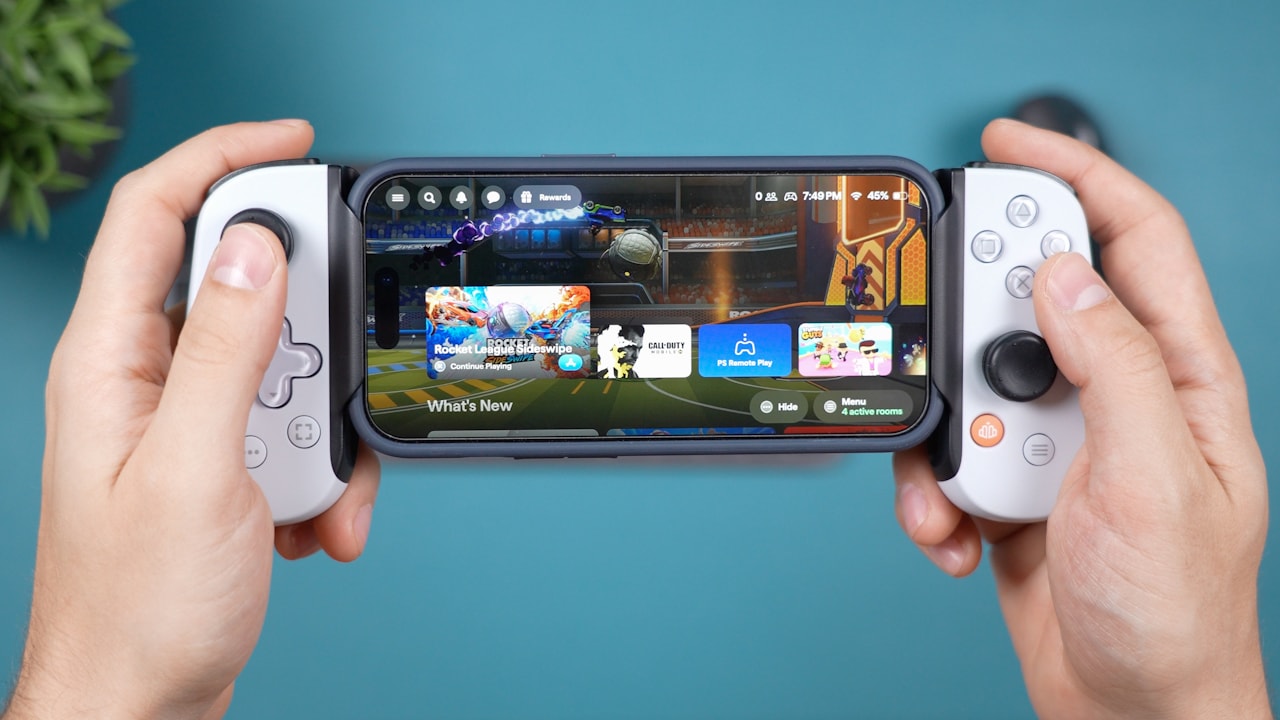
Before buying a mobile controller, check whether your phone fits the grip, whether the controller supports your operating system, and whether it works with the service you plan to use.
When touch controls are enough
Touch controls can work well for slower games, turn-based titles, card games, menu-heavy RPGs, and simple platformers. Fast shooters, racing games, and action titles usually benefit more from physical controls.
Which option is cheapest?
The answer depends on what hardware and games you already own.
Cheapest for an existing gaming PC owner
Steam Link is hard to beat for local streaming because you use hardware and games you already own.
Cheapest for someone without gaming hardware
Xbox or GeForce NOW may cost less than buying a new PC or console, but you need to compare subscription cost over time.
Cheapest for occasional cloud use after November 2026
Microsoft’s upcoming option to buy cloud playtime without Game Pass may become useful for occasional players, but final pricing needs to be checked once Microsoft publishes it.
Which service is best for competitive games?
Competitive shooters and fighting games are the hardest cloud-gaming test because a small delay can affect aim, reaction time, and timing.
If you play ranked matches seriously, local hardware is still the safer choice. Cloud gaming can be fine for casual matches, practice, or slower competitive games, but test latency before trusting it for ranked play.
Which service is best for single-player games?
Single-player games are much more forgiving. RPGs, strategy games, turn-based games, adventure games, and slower action titles can feel excellent through cloud streaming when the connection is stable.
For many players, this is where mobile cloud gaming makes the most sense. You can continue a long campaign from a tablet or phone without needing the main gaming setup.
Travel use: what changes?
Travel can make cloud gaming either very useful or frustrating. Hotel Wi-Fi may block ports, add latency, or become overloaded in the evening. Mobile 5G can be faster but use large amounts of data.
Travel checklist
- Pack a compact controller.
- Bring a phone stand or tablet case.
- Test the service before starting a long session.
- Keep a local offline game installed as backup.
- Use headphones in shared spaces.
- Check roaming charges before using mobile data abroad.
Which mobile cloud gaming service should you choose?
Choose Xbox Cloud Gaming if:
You want a console-style library, use Game Pass, and prefer simple access across many devices. Track the new monthly hour limits from November 2026.
Choose GeForce NOW if:
You already own many PC games and want stronger remote hardware without rebuilding your library around one subscription catalog.
Choose Steam Link if:
You already own a capable gaming PC and mainly want to stream your own games around the house or remotely.
Final recommendation
Do not choose a cloud gaming service based on one specification. Start with your existing hardware, game library, and monthly play time.
If you have no gaming PC and want broad device access, Xbox Cloud Gaming is convenient, but the November 2026 hour limits make usage planning important. If you already own PC games and want remote high-end rendering, GeForce NOW is often the better fit. If you own a strong PC and mostly want flexibility around your home, Steam Link can provide excellent value with fewer recurring costs.
The best mobile cloud gaming setup is the one that matches how you actually play. Test your network, calculate your likely hours, check controller support, and try one service before paying for several at once.