



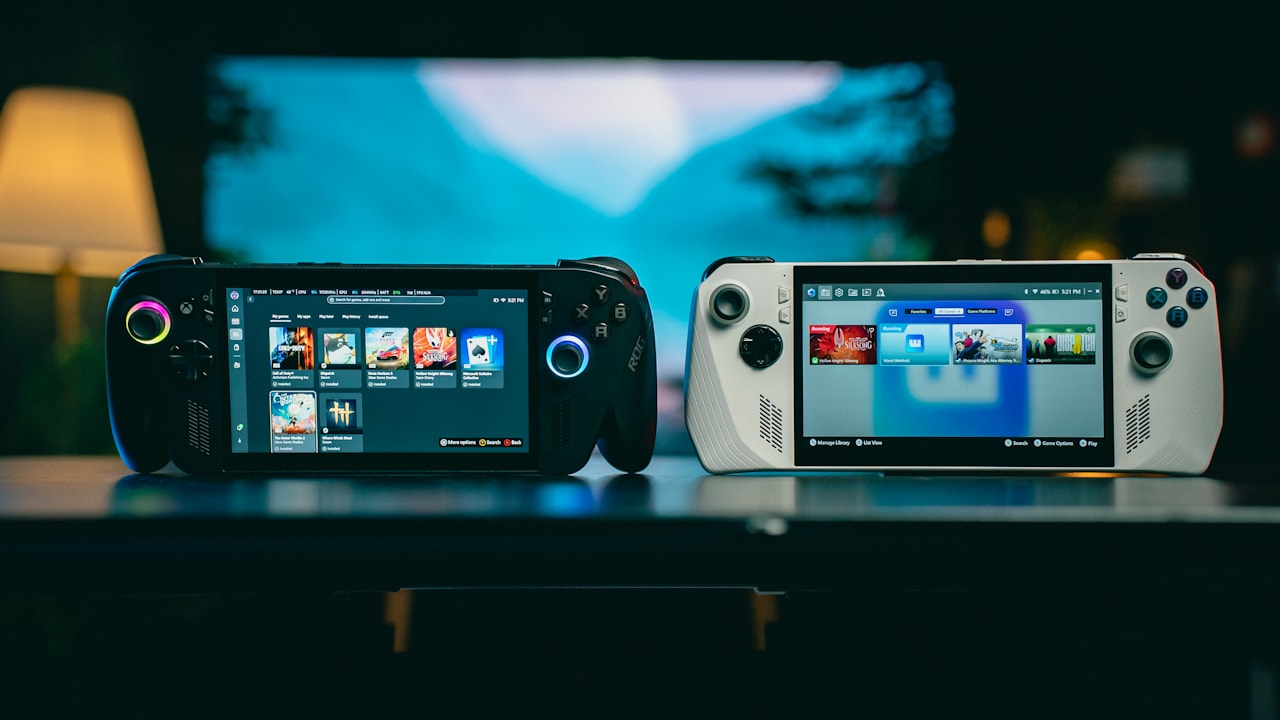
The Nintendo Switch 2 is built around portable play, but battery life changes a lot depending on the game, screen brightness, wireless features, system settings, and how you charge it. Nintendo officially estimates roughly 2 to 6.5 hours of use from a full charge, which is a wide range because a demanding 3D game can use far more power than a simple menu-driven title.
This guide focuses on practical ways to get more play time without turning your console into an unpleasant low-brightness, airplane-mode device. The goal is not to chase the absolute longest possible battery result. It is to find settings that make sense for the way you actually use the console.
For current hardware information and troubleshooting, use Nintendo Support as the main reference. Nintendo says a full charge takes about three hours when the system is powered off or in sleep mode, while charging takes longer during active use.
Start with realistic battery expectations
If your Switch 2 lasts much longer in an indie puzzle game than in a graphically demanding open-world game, that is normal. Battery life depends on how hard the CPU, GPU, display, wireless radios, speakers, and storage are working.
The useful question is not “Why do I never get 6.5 hours?” The better question is “Is my battery life reasonable for the game and settings I am using?”
What drains the battery fastest?
- High screen brightness.
- Demanding 3D games.
- High frame-rate modes.
- Wi-Fi and online play.
- Bluetooth accessories.
- High speaker volume.
- Background downloads.
- Heat and poor ventilation.
You do not need to disable everything. Start with the largest power users and change only what you can live without.
1. Lower brightness before changing anything else
The display is one of the most constant power users in handheld mode. Reducing brightness can provide a meaningful battery improvement without changing game performance.
Do not automatically drag the slider to the minimum. A screen that is too dark can cause eye strain and make dark scenes hard to read. Instead, lower brightness until the image is still comfortable in your current environment.
Practical brightness rule
Indoors, start around the middle of the brightness range and reduce it gradually. Outdoors, you may need more brightness, so accept shorter battery life rather than making the screen unusable.
If you move between bright and dark rooms often, automatic brightness can be more convenient than constantly changing the slider manually.
2. Use airplane mode when you do not need online features
Wi-Fi and Bluetooth use power because the console maintains wireless connections and searches for networks or devices. If you are playing a fully offline game during a flight, train trip, or commute, airplane mode can reduce unnecessary wireless activity.
Do not use airplane mode if the game needs an internet connection, cloud features, online multiplayer, or wireless accessories you rely on.
Good airplane-mode situations
- Single-player offline games.
- Long travel sessions.
- Areas with weak Wi-Fi where the console keeps searching.
- Battery-saving emergencies when you need the console to last longer.
3. Pause downloads before a long handheld session
Game updates, eShop downloads, and cloud synchronization can add network and storage activity while you play. That extra work can increase battery drain and create heat.
Before a long trip, finish your downloads while the console is plugged in. If a large update starts unexpectedly, pause it until you reach a charger.
Prepare the night before travel
- Connect the console to power.
- Install system updates.
- Update the games you plan to play.
- Open each game once to confirm it launches offline if needed.
- Charge controllers and accessories.
- Put the console into sleep mode when finished.
This prevents you from wasting battery on setup tasks when you are already away from an outlet.
4. Choose performance modes carefully
Some games offer multiple graphics or frame-rate modes. A 60 or 120 FPS option can feel smoother, but higher frame rates usually require more work from the hardware and can reduce battery life.
If you are playing near a charger, use the performance mode you prefer. During a long portable session, test whether a lower frame-rate or quality-balanced mode gives you enough extra runtime to matter.
When higher frame rate is worth the battery cost
Fast action games, racing games, and timing-heavy combat can benefit from smoother motion. Turn-based RPGs, visual novels, puzzle games, and slower adventures often lose less when you choose a more efficient mode.
The best setting is not always the one with the lowest power use. It is the one that keeps the game enjoyable while meeting your battery goal.
5. Reduce speaker volume or use efficient headphones
Built-in speakers draw power, especially at high volume. The saving from lowering audio is smaller than the saving from lowering brightness, but every part helps during a long trip.
If you already use headphones, you may be able to keep volume lower because sound is closer to your ears. Avoid unsafe listening levels just to block outside noise.
6. Put the console to sleep instead of leaving a game paused
If you are taking a break longer than a few minutes, use sleep mode. Leaving a game running on screen while you eat, talk, or wait wastes battery.
Sleep mode is especially useful with turn-based games and RPGs because you can usually resume quickly.
Build a simple habit
When you put the console down, press the power button once. It takes almost no time and can save a meaningful amount of battery across a day.
7. Use the battery percentage instead of guessing
Nintendo lets you display the battery percentage on the HOME Menu. According to Nintendo Support, you can enable it under System Settings > System > System Battery (%).
You can also briefly view the percentage by pressing ZL and ZR together.
A percentage is more useful than a simple icon when planning travel. Knowing you have 38% left gives you a better idea of whether to start a demanding game than a vague low-battery symbol.
8. Keep the console cool
Heat is bad for comfort, performance, and battery health. The Switch 2 needs airflow to move heat away from its internal components.
Do not play with ventilation openings blocked by a blanket, pillow, thick fabric, or tightly packed bag. Avoid leaving the console in direct sunlight or a hot parked car.
If the console feels unusually hot
Pause the game, move to a cooler place, and let the system breathe. Do not try to cool it rapidly with a freezer, ice, or direct moisture. Normal airflow and a cooler room are enough.
9. Charge with an appropriate adapter
Nintendo recommends the official Switch 2 AC adapter or another compatible charger with sufficient power. A charger that works for a phone may not provide enough power for normal Switch 2 charging, especially while you play.
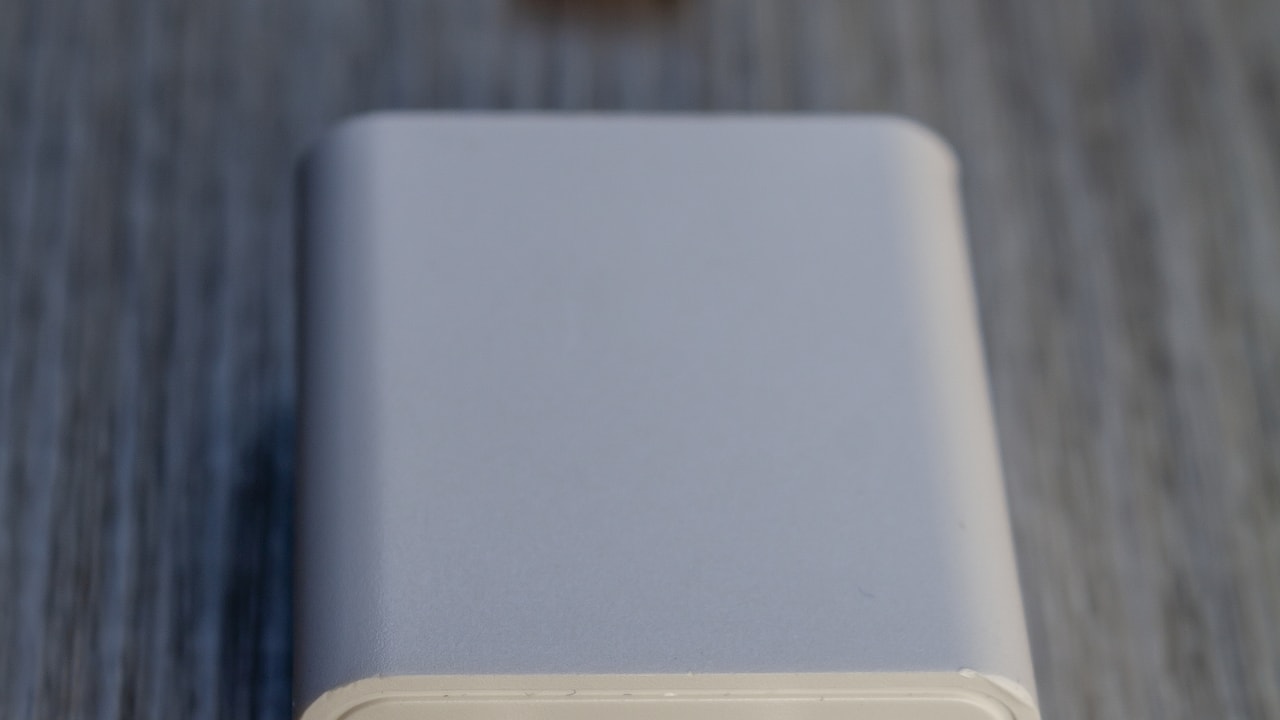
If the battery percentage barely rises during gaming, the problem may be the charger rather than the console.
What to check
- Use a compatible USB-C power source.
- Check the cable for damage.
- Connect directly to a wall outlet when troubleshooting.
- Try charging while the console is asleep.
- Avoid very cheap unbranded adapters with unclear specifications.
10. Understand the 90% charging option
Nintendo Support notes that Switch 2 can use a setting that stops charging at about 90%. If this option is enabled, the console will not show 100% even when left plugged in.
This can be useful for people who keep the console connected to power for long periods and want to reduce time spent at a full charge.
If you are about to travel and want the maximum available runtime, check whether the setting is enabled. Decide based on your immediate need rather than assuming one option is always correct.
11. Use a power bank for long travel
A good USB-C power bank can extend portable play far beyond one internal battery cycle. The important part is choosing one that can provide suitable USB-C Power Delivery output for the console.
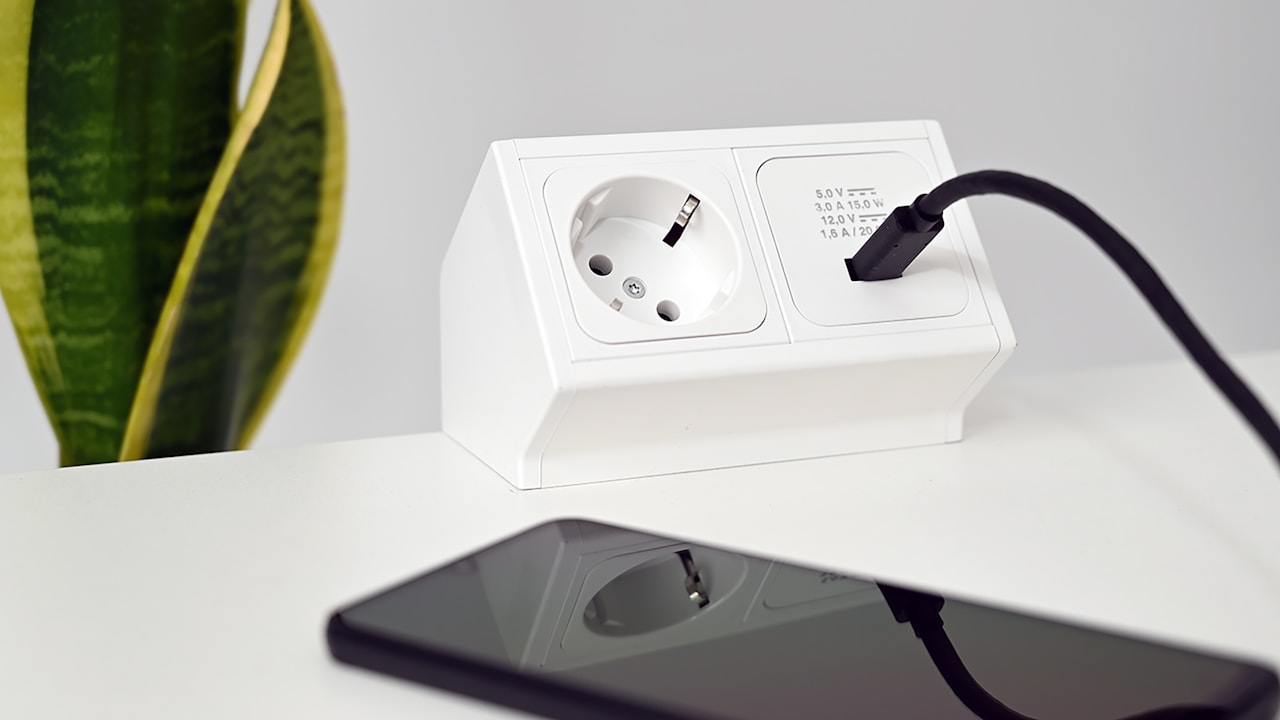
Do not judge a power bank only by its advertised capacity. Real usable energy is lower because conversion causes losses, and airline rules can limit the size you are allowed to carry.
Travel power-bank checklist
- USB-C Power Delivery support.
- A reputable manufacturer.
- Enough output to charge the console while in use.
- A cable rated for the required power.
- Capacity that meets airline rules if you fly.
- A clear battery indicator.
12. Pick battery-friendly games when you need maximum runtime
Not every session needs to use the same game. If you have two hours left on a train and only 25% battery, a lightweight puzzle game may be a better choice than a demanding open-world title.
This sounds obvious, but it is one of the most effective practical strategies because the game itself can be the biggest variable after brightness.
Create a travel folder
Keep a small set of offline-friendly games installed for travel:
- A turn-based RPG.
- A puzzle game.
- An indie platformer.
- A visual novel.
- A card or strategy game.
These give you options if battery life becomes more important than playing your most demanding title.
13. Update the system when Nintendo releases fixes
System updates can include stability, compatibility, and power-management improvements. Keep the console current, especially if you are experiencing strange battery behavior.
Update while plugged in and connected to a stable network. Avoid starting a system update when the battery is nearly empty.
14. Do not constantly force-charge tiny percentages
Lithium-ion batteries do not need the old “drain to zero, then charge to 100%” routine. In fact, repeatedly running the battery completely flat is not necessary for normal use.
Charge when it is convenient. If you are at 45% and know you have a long trip later, topping up is fine. Modern battery management is designed around flexible charging.
15. Check whether fast drain is actually abnormal
Nintendo says the Switch 2 should generally provide about 2 to 6.5 hours depending on software and functions. If you get several hours in a demanding game, that may be normal even if it is far below the maximum estimate.
Concern is more reasonable when a fully charged system drains far faster than expected under light use or shuts down suddenly at a high reported percentage.
Simple battery test
- Charge the console fully.
- Restart it.
- Set a moderate fixed brightness.
- Disable large downloads.
- Play the same game continuously.
- Record the start time and shutdown time.
Repeat under similar conditions if the result looks strange. One session can be affected by updates, network activity, or temperature.
16. What if the battery percentage looks wrong?
Sometimes the problem is the indicator rather than actual runtime. Nintendo has a specific support process for cases where the percentage appears incorrect.
If your console remains playable for a long time at 1% or suddenly jumps between values, follow Nintendo’s official battery-indicator troubleshooting rather than replacing hardware immediately.
17. Battery care for players who mostly use the dock
If your Switch 2 spends most of its life docked, you may worry about leaving it connected. The console manages charging automatically, and Nintendo provides the optional charging-limit feature mentioned earlier.
The bigger practical concern is heat. Make sure the dock has airflow and is not trapped in a closed cabinet while gaming.
18. Portable setup that balances comfort and battery
A smart portable setup is not just about the console battery. Accessories can make a long session more comfortable without creating much extra power use.
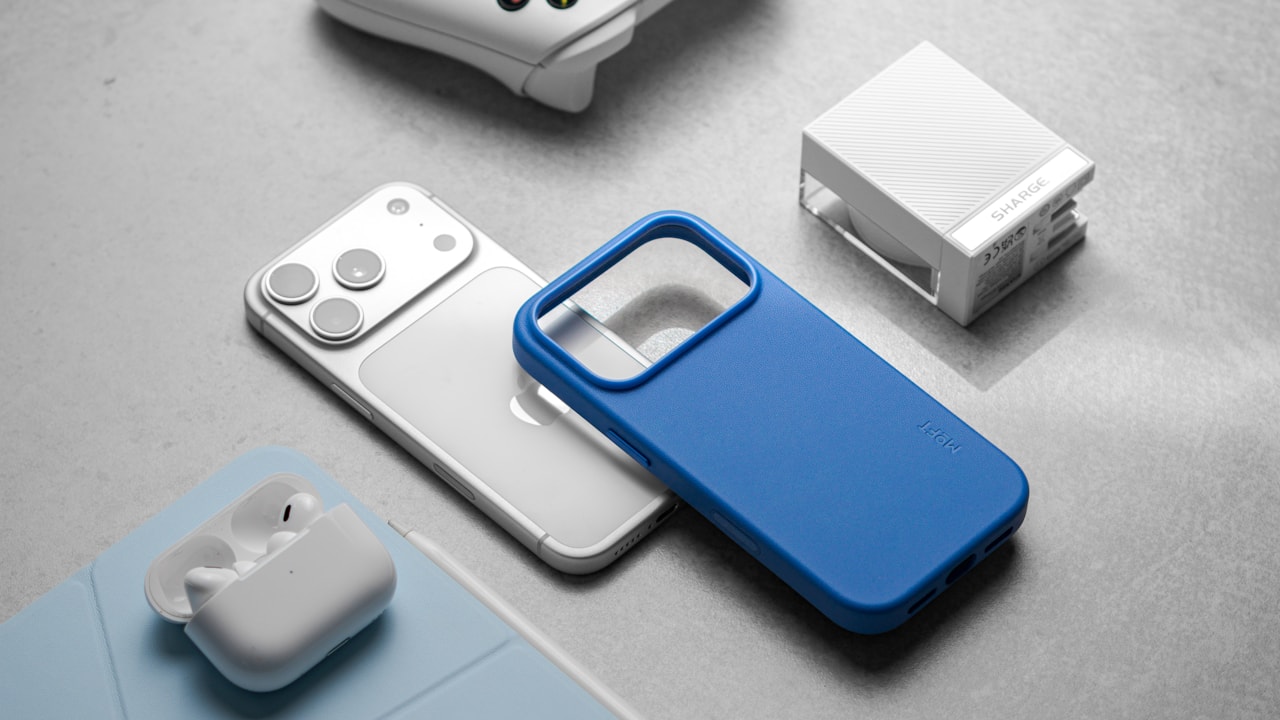
- A lightweight case.
- A small microfiber cloth.
- Compact wired or low-power headphones.
- A USB-C power bank.
- A short high-quality charging cable.
- A folding stand if you use tabletop mode.
Avoid carrying accessories that need separate batteries unless they add real value.
Battery-saving priority list
If you only want the most effective steps, use this order:
- Lower screen brightness.
- Pause downloads.
- Use airplane mode for offline play.
- Choose a less demanding graphics mode when available.
- Put the console to sleep during breaks.
- Keep the system cool.
- Carry a suitable USB-C power bank for long trips.
Common Nintendo Switch 2 battery questions
How long should Switch 2 battery last?
Nintendo estimates approximately 2 to 6.5 hours depending on the game and functions being used.
How long does Switch 2 take to charge?
Nintendo says about three hours when the console is powered off or in sleep mode. Charging takes longer while playing.
Can I use my old Switch charger?
Nintendo says the older Switch AC adapter can charge Switch 2 when connected directly to the console, but due to output differences it may not work for all docked charging situations. Use the Switch 2 adapter when possible.
Why does my console stop at 90%?
The optional setting that limits charging to around 90% may be enabled.
Does airplane mode save battery?
It can reduce wireless activity when you do not need Wi-Fi or Bluetooth features.
Is a power bank safe?
A reputable USB-C Power Delivery power bank with appropriate output is the safer choice. Avoid unknown chargers with unclear specifications.
Conclusion
Getting better Nintendo Switch 2 battery life is mostly about controlling the biggest power users rather than applying dozens of tiny tricks. Start with screen brightness, wireless activity, game performance modes, and background downloads. Then improve charging and travel habits.
Do not expect every game to reach Nintendo’s maximum estimate. A demanding title can legitimately sit closer to the lower end of the 2-to-6.5-hour range. What matters is whether the battery behaves consistently for the workload.
For long trips, prepare before you leave: update games, charge the console, enable battery percentage, pack a suitable power bank, and keep a few lighter offline games installed. Those steps provide more real-world value than chasing one “perfect” battery setting.